


Liquid-cooling intelligence for AI data centers
Reliability
Engine
Cooling intelligence for
reliable AI compute.
Real-time coolant monitoring, loop telemetry, and GPU context in one operating view.
Five-Nines Standard for Liquid Cooling
Coolant monitoring / Full-loop intelligence
Coolant monitoring with the whole loop in view.
Real-time coolant monitoring connects fluid health with flow, pressure and GPU thermal context. Reliability Engine helps teams investigate cooling-related throttling and sustain token throughput during AI inference.
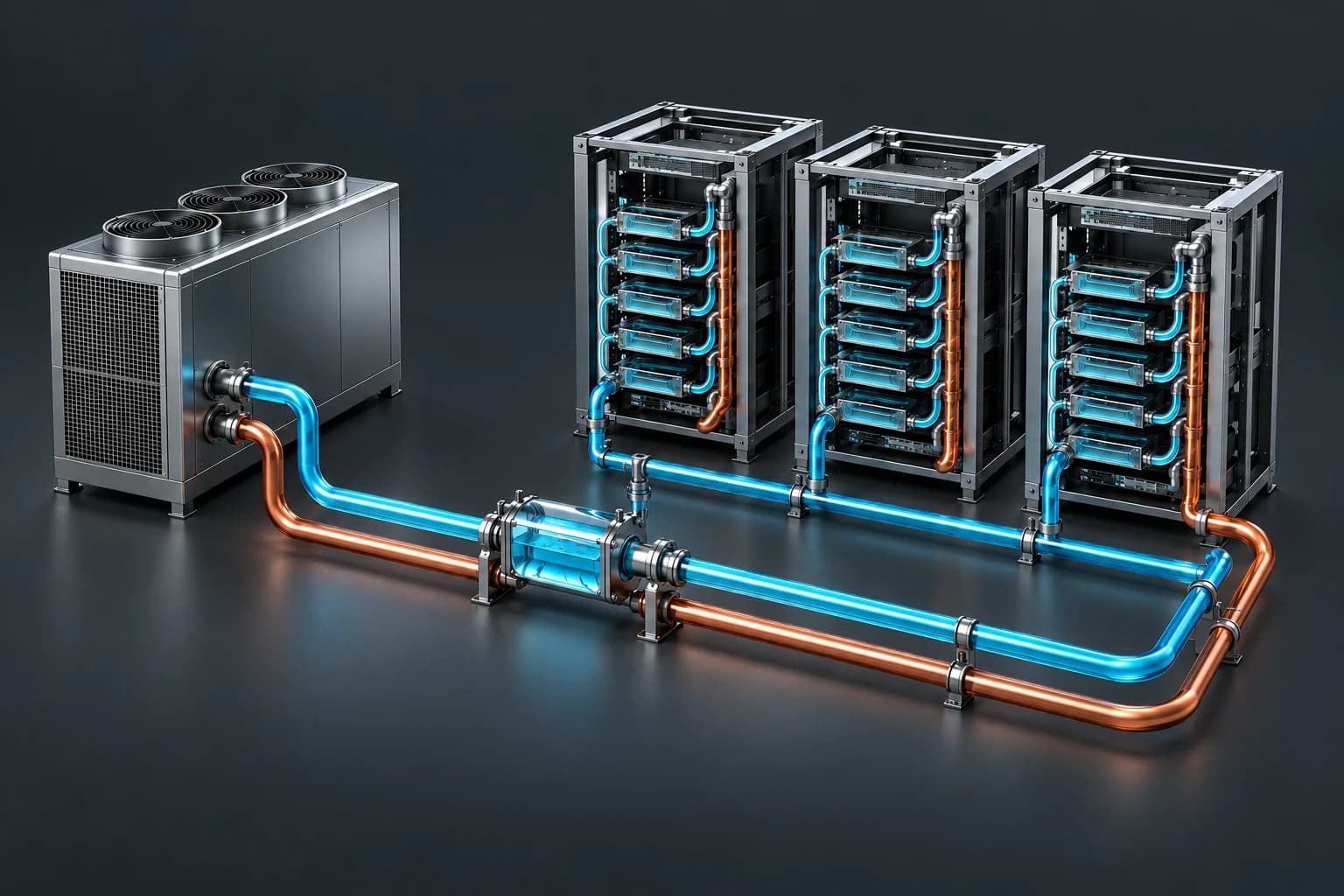
Coolant health
Fluid condition becomes an early signal.
Chemistry, conductivity, particles, and contamination markers are treated as early warnings, not lab notes.
Cooling unit
Cooling-loop behavior enters the model.
Pump speed, pressure, flow, filter state, and temperature deltas become one live operating signal.
GPU state
Compute context explains thermal behavior.
Workload intensity, rack location, and thermal response show whether heat is expected or suspicious.
Reliability model
Signals are compared as one system.
Cooling unit telemetry, coolant health, and GPU state are fused against the healthy baseline.
Operator action
The alert ends with a clear next move.
The system points teams toward inspect, sample, rebalance, clean, or protect workload output.
Deep focus
Built for the full liquid-cooling stack.
From CDU to cold plate, Reliability Engine helps teams keep high-density infrastructure predictable as manual checks stop scaling.
Full loop
Data Center Liquid Cooling
See behavior across CDUs, manifolds, filters, coolant, and compute hardware.
ExploreGPU productivity
GPU Liquid Cooling
Protect cold-plate margin, boost windows, and useful GPU hours.
ExploreOperating layer
Thermal Orchestration
Convert live cooling signals into a clear operating decision.
ExploreClosed-loop control
Self-Healing Loops
Move from monitoring to verified, controlled response.
Explore