Temperature shows the symptom. Thermal orchestration connects that symptom to workload, flow, restriction, filtration, coolant chemistry, or controls.
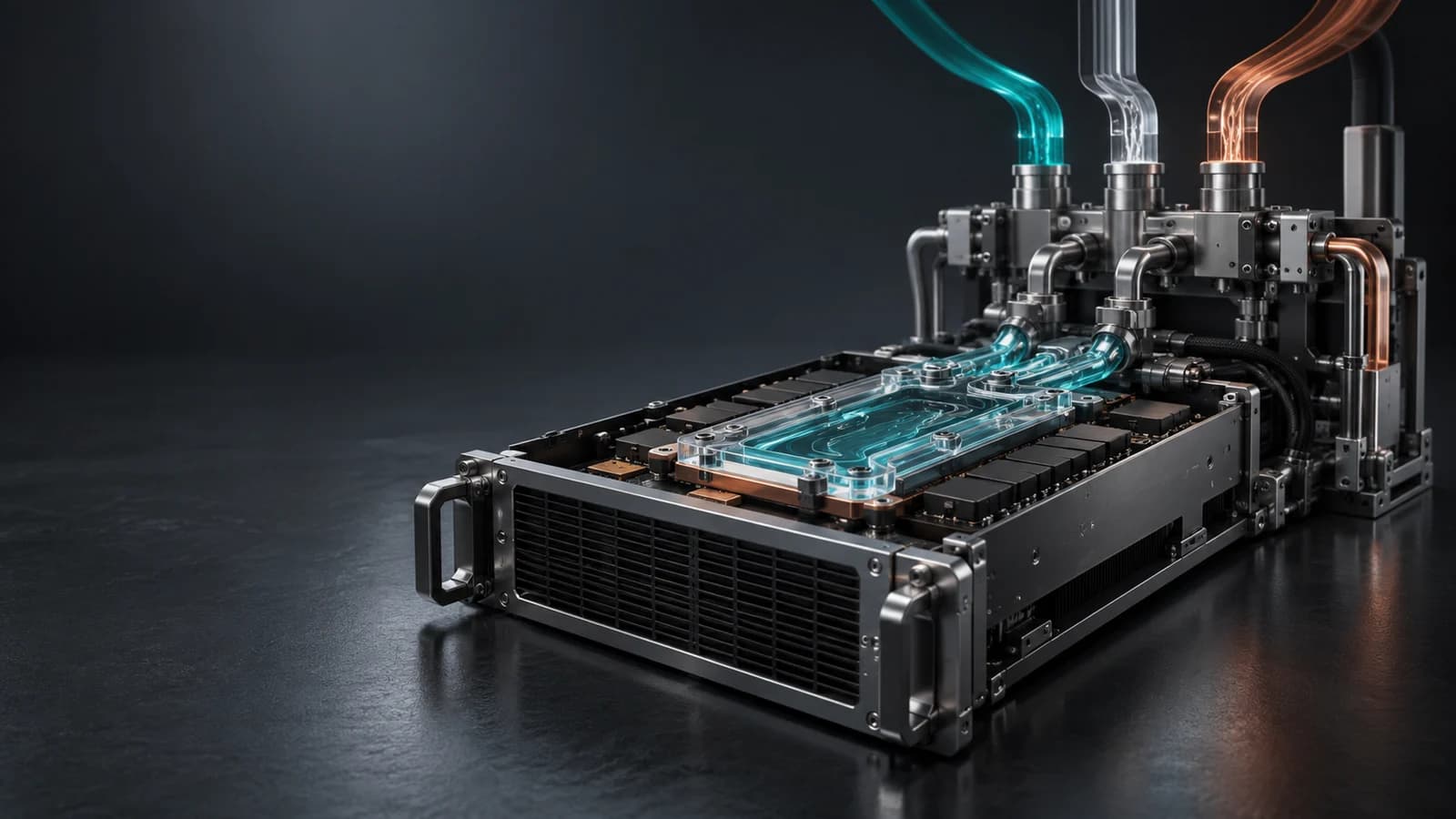
Thermal Orchestration
Thermal orchestration
Thermal Orchestration for Liquid-Cooled AI Data Centers
A hot GPU is only the symptom. The cause may be workload, flow, restriction, filter loading, coolant chemistry, or control behavior.
Thermal orchestration reads thermal, hydraulic, chemistry, and workload signals together so operators can separate normal movement from real cooling drift.
The operating layer compares current behavior against known-healthy loop behavior at real workload.
The result is a confident next move: inspect, sample, rebalance, clean, protect output, or verify that the movement is normal.
Explore the signal flow
Thermal orchestrationSignals to action
Decision layerWorkload noise or loop drift?Compare the pattern against the healthy baseline.
SignalGPU temp risingThe visible clue is connected to loop evidence.
MoveInspect, sample, rebalanceGive the operator a next check.
SignalsDecision layerAction
Temperature, pressure, flow, coolant, and workload in one view.
Separate normal workload movement from real loop risk.
Guide inspection, sampling, rebalancing, cleaning, or protection.
Thermal orchestration
Convert cooling telemetry into action.
Reliability Engine unifies coolant, flow, pressure, and thermal signals so operators can see what changed, understand why it matters, and respond before useful output is at risk.
Step 1
Baseline
Define the healthy operating signature at real workload.
Step 2
Correlate
Unify coolant, flow, pressure, and thermal signals across the loop.
Step 3
Protect
Trigger the right response before cooling drift affects useful output.
How Reliability Engine works
From cooling measurements to maintenance decisions.
Monitor the loop
Track coolant health, temperature, pressure and flow.
Compare with GPU load
Read loop changes alongside rack and GPU signals.
Check likely causes
Look for coolant changes, restrictions or workload effects.
Choose the next check
Prioritize sampling, inspection or maintenance.
Operator view
Baseline
Know normal behavior at real load.
Correlate
Read temperature, pressure, flow, coolant, and workload together.
Decide
Turn the pattern into the next check or control move.
Protect
Address cooling-related throttling to help sustain token throughput, then verify the response at a comparable workload.
From signal to actionView table
| Pattern | Likely cause | Risk | Operator move |
|---|---|---|---|
| Temperature rising, flow steady | Workload change or heat-transfer drift. | False alarm or missed fouling. | Compare against workload and cold-plate baseline. |
| Pressure rising, flow falling | Restriction, filter loading, or branch imbalance. | Uneven cooling and pump stress. | Inspect filter, manifold, and affected path. |
| Coolant drifting, thermal response slower | Chemistry or particle movement affecting heat transfer. | Cold-plate fouling or corrosion risk. | Trigger coolant review and maintenance plan. |
| Signals normalize after action | Intervention improved loop behavior. | Action may not be verified without follow-up. | Log response and update baseline only after proof. |
Temperature rising, flow steady
- Likely cause
- Workload change or heat-transfer drift.
- Risk
- False alarm or missed fouling.
- Operator move
- Compare against workload and cold-plate baseline.
Pressure rising, flow falling
- Likely cause
- Restriction, filter loading, or branch imbalance.
- Risk
- Uneven cooling and pump stress.
- Operator move
- Inspect filter, manifold, and affected path.
Coolant drifting, thermal response slower
- Likely cause
- Chemistry or particle movement affecting heat transfer.
- Risk
- Cold-plate fouling or corrosion risk.
- Operator move
- Trigger coolant review and maintenance plan.
Signals normalize after action
- Likely cause
- Intervention improved loop behavior.
- Risk
- Action may not be verified without follow-up.
- Operator move
- Log response and update baseline only after proof.
From the library
Engineering guides
Integrating Liquid Cooling Signals Into BMS and DCIM
Integrate liquid cooling telemetry into BMS and DCIM with a point dictionary, timestamp rules, data quality, alarm lifecycle and commissioning requirements.
Read guideLiquid Cooling Reliability for GPU and HPC ClustersInvestigate liquid cooling reliability in GPU and HPC clusters by connecting NVIDIA telemetry, workload context, coolant condition and hydraulic evidence.
Read guideCommon questions
What is thermal orchestration for liquid-cooled AI infrastructure?
Thermal orchestration is the operating layer that reads coolant, flow, pressure, temperature, and workload signals together and turns them into the next decision before cooling drift affects output.
How is orchestration different from temperature monitoring?
Temperature monitoring shows the symptom. Orchestration connects the symptom to likely causes such as coolant condition, restriction, flow imbalance, filter loading, control behavior, or workload movement.
Why does baseline behavior matter?
A trusted baseline lets operators compare current behavior with known-healthy operation, which makes drift, restriction, chemistry movement, and abnormal thermal response easier to detect.