A GPU can look healthy until the cooling loop loses margin. The best reliability layer reads early movement before throttling, downtime, or scheduling constraints appear.
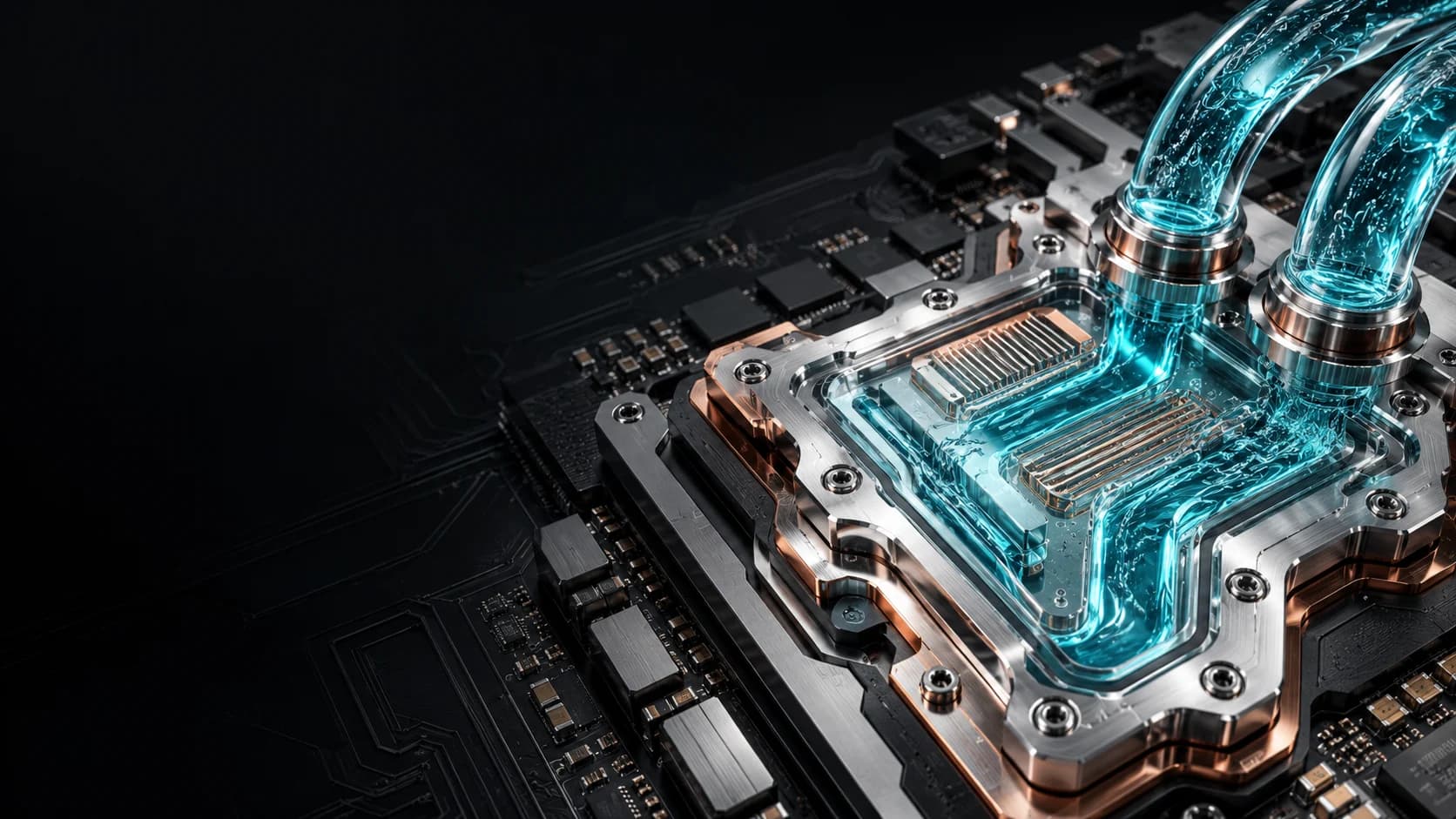
GPU Liquid Cooling
GPU liquid cooling
GPU Liquid Cooling Reliability for Direct-to-Chip Systems
Direct-to-chip liquid cooling makes dense GPU clusters possible, but useful output depends on coolant health, cold-plate performance, flow stability, and pressure behavior staying inside a healthy operating window.
Reliability Engine helps teams see whether GPU cooling drift points to workload movement, flow imbalance, coolant condition, or heat-transfer degradation.
Cold plates, flow paths, pressure drop, return temperature, coolant condition, and workload context belong together.
A useful alert points to the next check: inspect, sample, rebalance, clean, or protect workload output.
Explore the signal flow
GPU liquid coolingChip to coolant
GPU die
Cold plate
Cold liquid in
Warm liquid out
Useful GPU hoursProtected
GPU heatCold plateUseful hours
How Reliability Engine works
From cooling measurements to maintenance decisions.
Monitor the loop
Track coolant health, temperature, pressure and flow.
Compare with GPU load
Read loop changes alongside rack and GPU signals.
Check likely causes
Look for coolant changes, restrictions or workload effects.
Choose the next check
Prioritize sampling, inspection or maintenance.
What this helps you see
Cold plates
See heat-transfer drift before the chip starts losing margin.
Flow paths
Find restriction or imbalance across branches and manifolds.
Coolant
Track chemistry, particles, and inhibitor health in context.
Token throughput
Support sustained tokens per second by addressing coolant and flow issues that contribute to thermal throttling.
GPU cooling reliability signalsView table
| Signal | What it reveals | Risk | Practical action |
|---|---|---|---|
| Cold-plate temperature response | Whether heat transfer is still behaving like the clean baseline. | Reduced boost, throttling, or local hot spots. | Check workload, plate condition, flow, and coolant quality. |
| Branch flow variance | A path is drifting away from stable distribution. | One GPU tray loses margin before the rest of the rack. | Inspect manifold balance and affected branch behavior. |
| Pressure movement | Restriction, filter loading, or hydraulic instability. | Pump stress and uneven cooling. | Compare pressure drop against service history. |
| Coolant chemistry trend | Fluid health is changing before the chip shows the symptom. | Fouling, corrosion, or deposit formation. | Trigger chemistry review and loop inspection. |
Cold-plate temperature response
- What it reveals
- Whether heat transfer is still behaving like the clean baseline.
- Risk
- Reduced boost, throttling, or local hot spots.
- Practical action
- Check workload, plate condition, flow, and coolant quality.
Branch flow variance
- What it reveals
- A path is drifting away from stable distribution.
- Risk
- One GPU tray loses margin before the rest of the rack.
- Practical action
- Inspect manifold balance and affected branch behavior.
Pressure movement
- What it reveals
- Restriction, filter loading, or hydraulic instability.
- Risk
- Pump stress and uneven cooling.
- Practical action
- Compare pressure drop against service history.
Coolant chemistry trend
- What it reveals
- Fluid health is changing before the chip shows the symptom.
- Risk
- Fouling, corrosion, or deposit formation.
- Practical action
- Trigger chemistry review and loop inspection.
Engineering guides
Liquid Cooling Reliability for GPU and HPC Clusters
Investigate liquid cooling reliability in GPU and HPC clusters by connecting NVIDIA telemetry, workload context, coolant condition and hydraulic evidence.
Read guideCoolant Monitoring, Maintenance and TroubleshootingBuild a practical coolant monitoring program for direct-to-chip cooling, with sampling, hydraulic checks, maintenance decisions and incident evidence.
Read guideCommon questions
Why does GPU liquid cooling need reliability monitoring?
GPU clusters can lose useful output when cold plates, coolant, flow paths, or controls drift from their healthy baseline. Monitoring those signals helps teams act before throttling or downtime appears.
How can cooling management help increase token throughput?
When thermal throttling limits GPU performance, addressing coolant health, flow imbalance, or heat-transfer problems can help recover lost token throughput during AI inference. Reliability Engine connects coolant and loop signals with GPU thermal context to guide those checks and actions. Gains depend on the workload and the actual bottleneck; better cooling does not guarantee more tokens per second when cooling is not the constraint.
What causes lost margin in direct-to-chip liquid cooling?
Common contributors include film on heat-transfer surfaces, coolant chemistry drift, particle load, branch imbalance, restriction, filter loading, pump behavior, pressure movement, and workload-driven thermal spikes.
What does a good GPU cooling alert need to say?
A good alert names what changed, whether the signal points to coolant, flow, pressure, thermal behavior, or workload, and where the operator looks next.