Dense GPU workloads create high heat flux, tight margin, and less tolerance for slow cooling degradation.
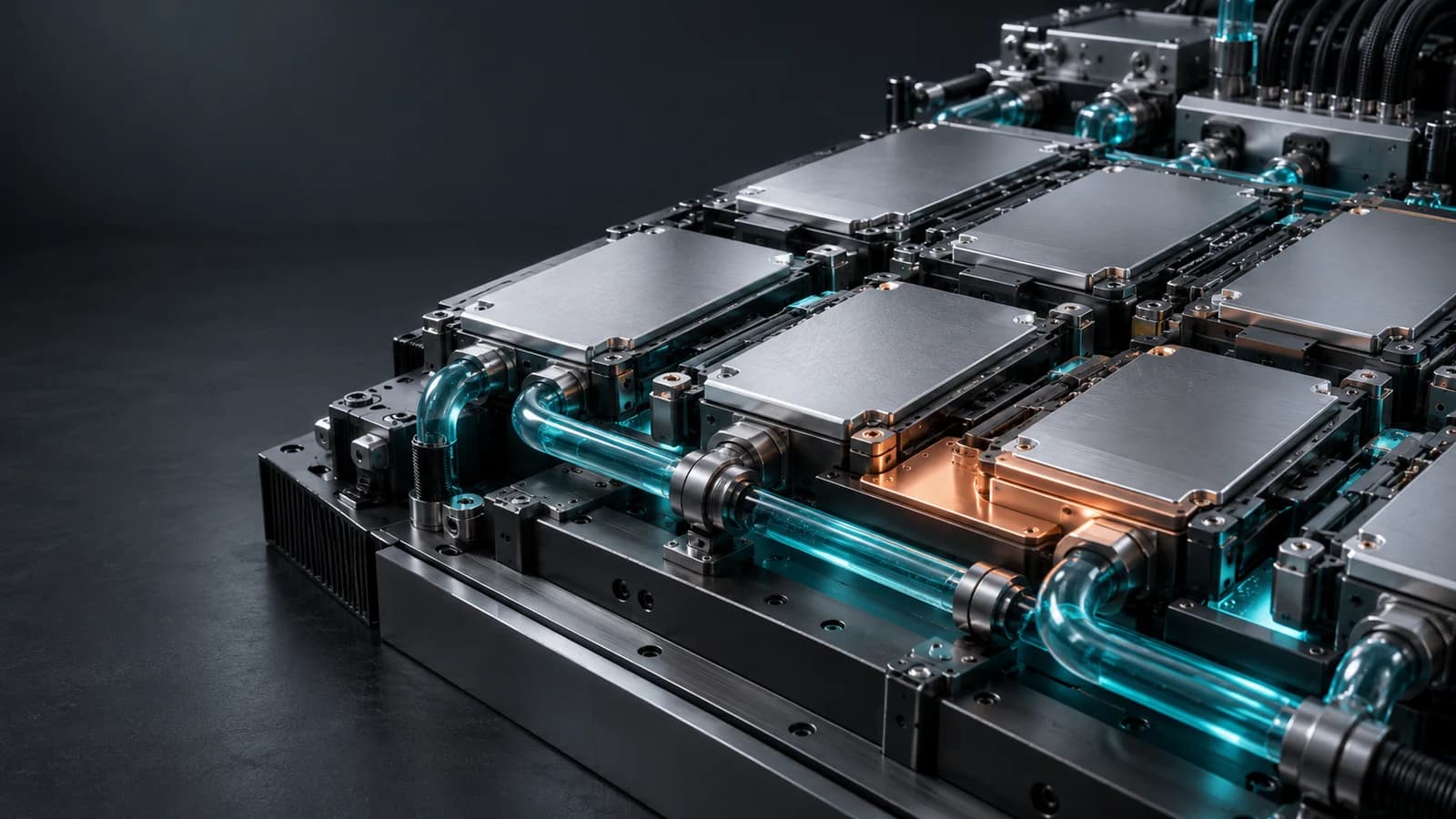
AI Data Center Reliability
AI infrastructure
AI Data Center Reliability for Liquid-Cooled GPU Infrastructure
AI data center reliability increasingly depends on whether liquid cooling loops can support dense GPU clusters without hidden thermal, hydraulic, or coolant-health drift.
Reliability Engine helps teams connect facilities signals to compute outcomes: useful GPU hours, thermal margin, boost behavior, and operating confidence.
Reliability has to include coolant health, direct-to-chip behavior, branch balance, CDU performance, pressure, flow, workload, and thermal response.
A strong vendor can show how loop health connects to uptime, GPU output, maintenance decisions, and recovery after intervention.
Explore the signal flow
Useful GPU hoursProtect the output that matters to operators and customers.
Thermal marginFind cooling drift before it becomes throttling or downtime.
Facility-to-compute linkRead CDU, manifold, coolant, and cold-plate signals with workload context.
Reliability workflowTurn drift into inspection, sampling, cleaning, balancing, or output protection.
How Reliability Engine works
From cooling measurements to maintenance decisions.
Monitor the loop
Track coolant health, temperature, pressure and flow.
Compare with GPU load
Read loop changes alongside rack and GPU signals.
Check likely causes
Look for coolant changes, restrictions or workload effects.
Choose the next check
Prioritize sampling, inspection or maintenance.
What this helps you see
Useful GPU hours
Protect the output that matters to operators and customers.
Thermal margin
Find cooling drift before it becomes throttling or downtime.
Facility-to-compute link
Read CDU, manifold, coolant, and cold-plate signals with workload context.
Reliability workflow
Turn drift into inspection, sampling, cleaning, balancing, or output protection.
Signals to read togetherView table
| Signal | What it reveals | Risk | Operator move |
|---|---|---|---|
| Coolant conductivity | Contamination, inhibitor depletion, or chemistry movement. | Corrosion, deposits, or electrical risk. | Compare against baseline and trigger chemistry review. |
| Pressure drop | Restriction across filters, manifolds, branches, or cold plates. | Uneven flow and lost thermal margin. | Inspect filters, branch balance, and affected loop paths. |
| Temperature delta | Heat transfer quality under real GPU workload. | Throttling, unstable boost, or hidden fouling. | Correlate with workload, flow, and coolant condition. |
| Flow variance | Pump, valve, branch, or manifold instability. | Uneven cooling across racks or trays. | Prioritize the loop or branch with abnormal movement. |
Coolant conductivity
- What it reveals
- Contamination, inhibitor depletion, or chemistry movement.
- Risk
- Corrosion, deposits, or electrical risk.
- Operator move
- Compare against baseline and trigger chemistry review.
Pressure drop
- What it reveals
- Restriction across filters, manifolds, branches, or cold plates.
- Risk
- Uneven flow and lost thermal margin.
- Operator move
- Inspect filters, branch balance, and affected loop paths.
Temperature delta
- What it reveals
- Heat transfer quality under real GPU workload.
- Risk
- Throttling, unstable boost, or hidden fouling.
- Operator move
- Correlate with workload, flow, and coolant condition.
Flow variance
- What it reveals
- Pump, valve, branch, or manifold instability.
- Risk
- Uneven cooling across racks or trays.
- Operator move
- Prioritize the loop or branch with abnormal movement.
Engineering guides
Liquid Cooling Reliability for GPU and HPC Clusters
Investigate liquid cooling reliability in GPU and HPC clusters by connecting NVIDIA telemetry, workload context, coolant condition and hydraulic evidence.
Read guideLiquid Cooling Responsibilities for Colocation ProvidersDefine liquid cooling responsibilities across colocation providers, GPU tenants and service partners, with circuit boundaries, RACI and incident handover.
Read guideCommon questions
How does liquid cooling affect AI data center reliability?
Liquid cooling affects thermal margin, workload stability, maintenance timing, and useful GPU output. Hidden drift in coolant, flow, pressure, or heat transfer can become a compute reliability issue.
Which cooling signals matter in AI data centers?
Coolant health, particles, inhibitor condition, CDUs, manifolds, filters, pressure, flow, cold-plate response, workload, and thermal drift all matter.
Why connect cooling data to GPU output?
Cooling health is most valuable when it helps protect GPU output. Connecting loop behavior to GPU signals helps prioritize the risks that matter most.